How the AIMEMEREEL AI video template works
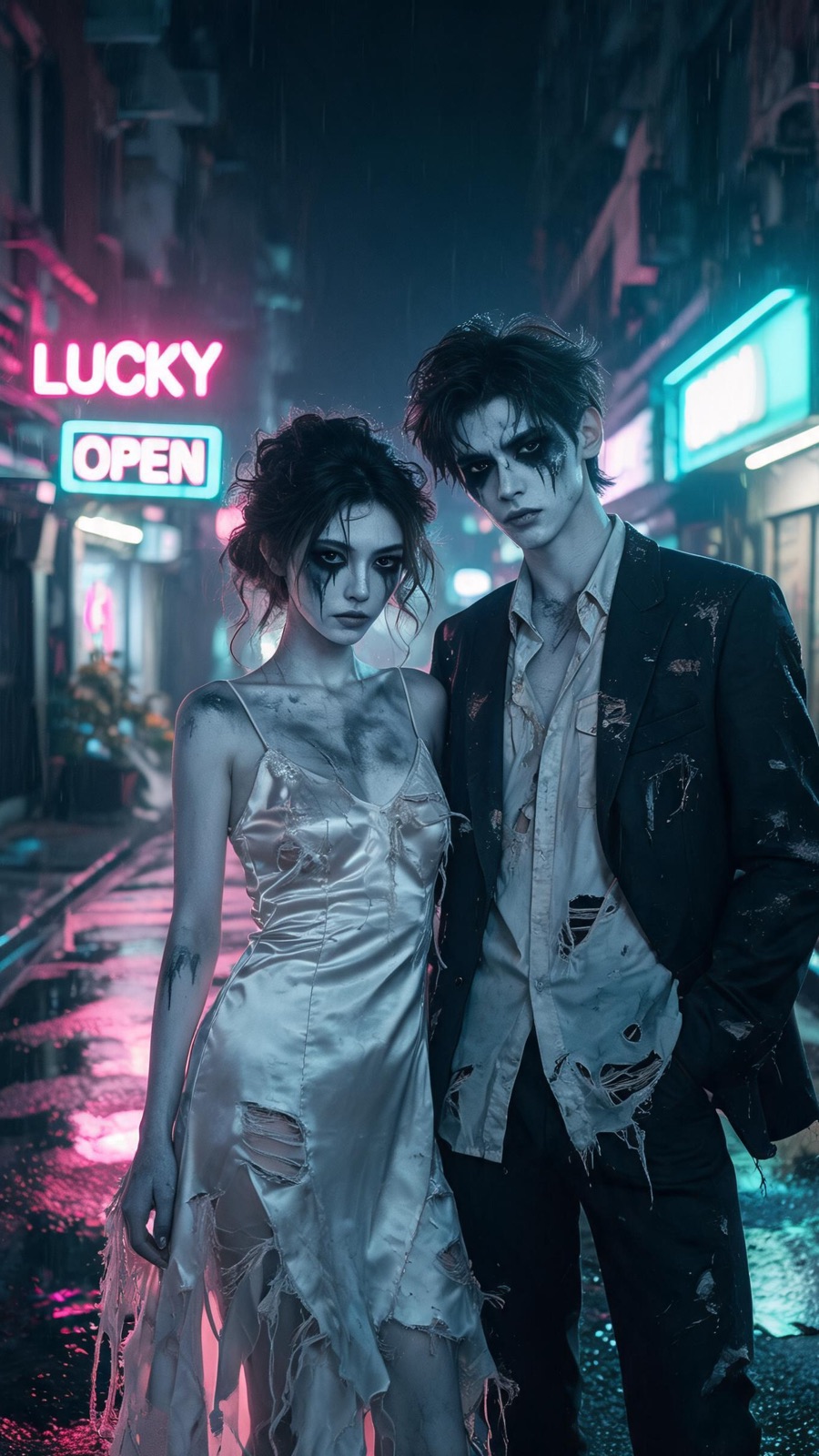
Zombie Couple already knows the action, camera moves, cut length and audio. You supply 2 photos — one for each role — and the render does the rest.
Pick a template
The template page lists the photo roles, the shot list and the exact credit price before you upload anything.
Upload a photo for each role
Use a sharp, evenly lit, front-facing photo. One subject per photo. Images are compressed in your browser before upload, and unusable photos are rejected before credits are spent.
Choose the resolution and download
720p or 1080p, priced per template. The clip runs its prepared length, so no separate trim is needed. Failed jobs are refunded automatically, and finished clips stay in your library.
Photos that work
- 01Use a sharp, front-facing photo where the face is clearly visible.
- 02Keep the light even — avoid harsh shadows, backlight or heavy filters.
- 03One person per photo — each role gets its own reference photo.
- 04Use photos for every role with similar framing and colour temperature.
- 05Portrait photos work best; the model crops to the template aspect ratio.
What you choose
720p or 1080p. 720p is the default and is plenty for TikTok, Reels and Shorts. 1080p is priced per template and is worth it for feeds and reposts.
One fixed cut. Each template has a fixed length and shot list, so there is no trim to choose. Every render includes the full prepared sequence.
Audio. Each template ships with matched audio. You can mute it and add your own track in the editor of your choice.
The exact photo roles and the shot-by-shot breakdown are on the Zombie Couple template page; the pricing page maps each credit pack to a render.
What a render costs
The price is fixed per template and shown before you confirm. There is no subscription and no surprise charge.
Before you start
What kind of photo works best?
A sharp, front-facing photo of one person, evenly lit and without heavy filters. Use similar framing and colour temperature for every role so the faces sit in the same scene.
What if my photo has two people in it?
Each role gets its own photo with one subject, so upload one image per role instead of a single photo showing everyone. Photos are checked before credits are spent.
Can I choose a shorter cut?
No. Each template has a fixed length and shot list, so there is no trim step to choose.
Ready to put your photos in a template?
Zombie Couple needs 2 photos, takes 15 credits at 720p and returns a 14-second 9:16 clip.